 Side B
A 面 · 中文
支持
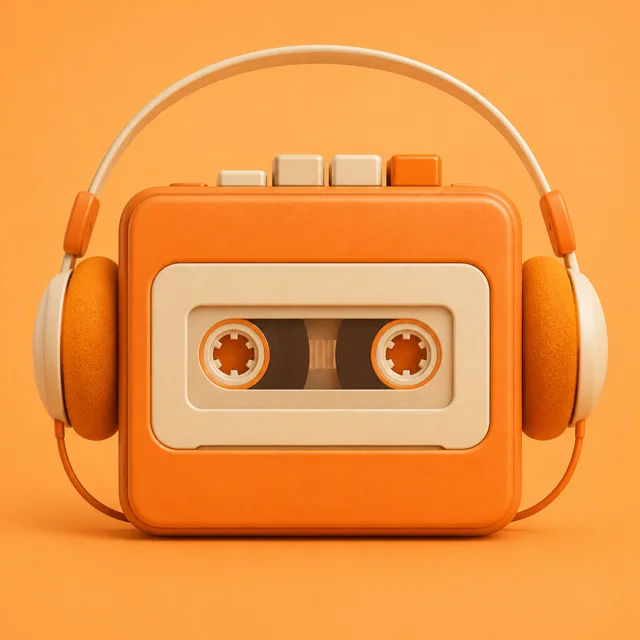
Side B 是一个 iPhone 上的磁带随身听:把你的歌录进磁带,点磁带播放,听完翻面。
联系我们
遇到问题或有建议,请写信到 peter@lyrai.app。我们通常在 3 个工作日内回复。
常见问题
- 能导入哪些格式?
- 从“文件”可以导入 MP3、M4A、WAV 和 FLAC。也可以从“音乐”资料库里选歌,或者把一整张专辑录成一盘磁带。
- 磁带盒在哪里?
- 在播放屏上往下滑,就能打开磁带盒,在那里换磁带或新建磁带。
- 第一次打开为什么有一盘「示例磁带」?
- 里面有三首短曲,是给你试听用的。不需要就删掉,删掉以后不会再出现。
- Apple Music 订阅里的歌能放吗?
- 能。带云朵标记的歌由系统的播放器来放,部分磁带效果(比如快进时变调)可能不会作用在这些歌上。
- 不想自动翻面?
- 在设置里关掉「自动翻面」。开关下面那行写的是:开着“自动翻面”时,一面放完接着放另一面。
- 我的磁带存在哪里?
- 磁带只存在你的手机上,不会上传。删除 Side B 会把磁带一起删掉;你“文件”和“音乐”里的原曲不受影响。
Side B · English
Support
Side B is a cassette player for iPhone: record your songs onto tapes, tap the tape to play, flip it when a side ends.
Contact
For questions or feedback, email peter@lyrai.app. We usually reply within 3 business days.
FAQ
- Which formats can I import?
- From Files: MP3, M4A, WAV and FLAC. You can also pick songs from your Music library, or record a whole album onto one tape.
- Where is the tape box?
- Swipe down on the player to open Tapes. That is where you change tapes or make a new one.
- Why is there a Sample Tape on first launch?
- It holds three short songs you can try the player with. Delete it if you don’t want it; it won’t come back.
- Can I play Apple Music songs?
- Yes. Songs marked with a cloud are played by the system player, so some tape effects, such as the pitch shift while winding, may not apply to them.
- How do I turn off auto-flip?
- In Settings, switch off Auto-Flip Sides. The line under it reads: With Auto-Flip Sides on, the other side plays when this one ends.
- Where are my tapes stored?
- Only on your iPhone; nothing is uploaded. Deleting Side B deletes your tapes, but the original songs in Files and Music stay where they are.